
 Clauhub Accounting
Your books, built from your invoices.Fiscal and Accounting, connected.
The CFDI that Fiscal downloads from the SAT become journal entries with a suggested account. You review, post, and the trial balance, financial statements and SAT files come out on their own.
No cost during launch · No card · Included with Fiscal

Automatic journal entries
An invoice becomes an entry.
Every CFDI that comes down from the SAT arrives with its entry built: each amount to its grouping-code account. You review and post.
CFDI · XMLExample
- Issuer
- Example Stationery
- Subtotal
- $10,000.00
- VAT 16%
- $1,600.00
- Total
- $11,600.00
Expense entry✓ Balanced
| Account | Debit | Credit |
|---|---|---|
| 601 General expenses | $10,000.00 | |
| 118.01 Creditable VAT paid | $1,600.00 | |
| 201.01 Domestic suppliers | $11,600.00 | |
| $11,600.00 | $11,600.00 |
One flow, from the SAT to your trial balance. Nothing to type twice.
- 01 · Fiscal

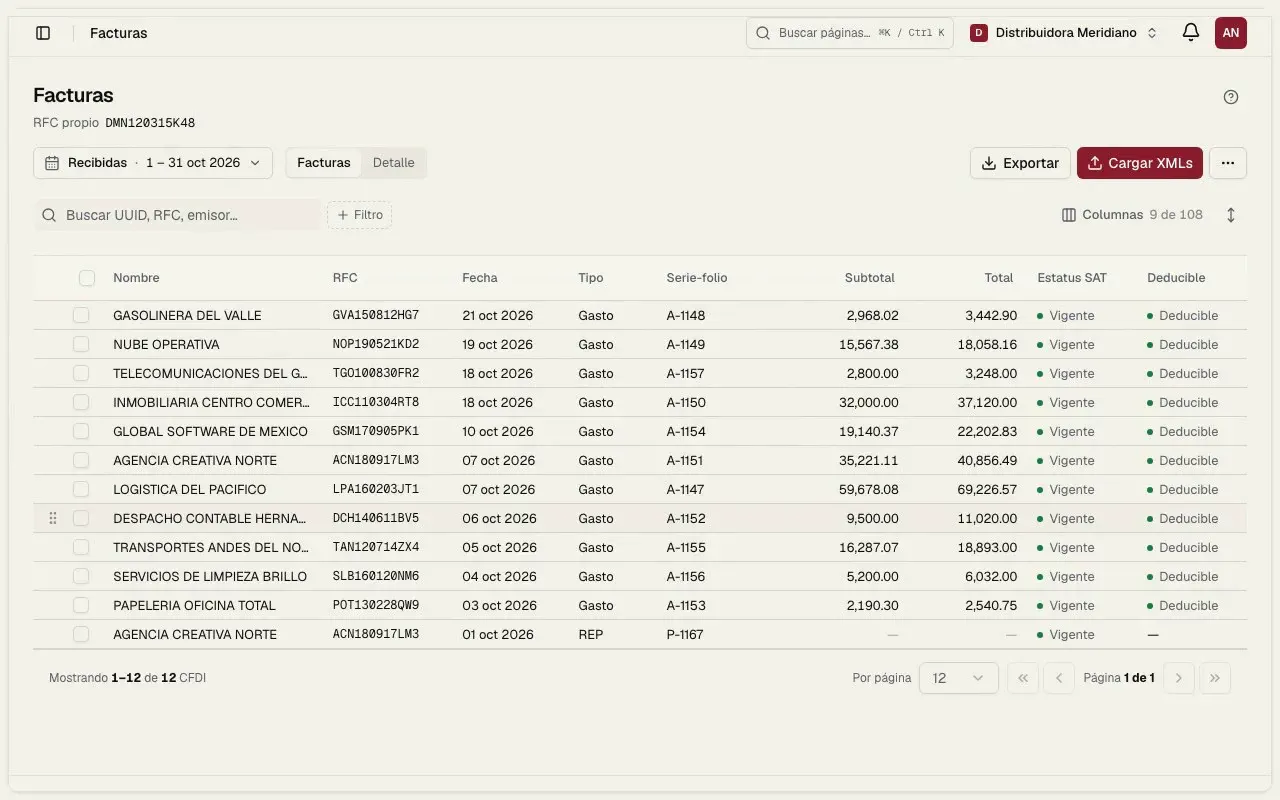
Downloads your CFDI
Issued and received invoices, payments and bank statements, straight from the SAT with your e.firma, plus the invoices you stamp in Fiscal.
- Issued and received
- Payments and statements
- 02 · Accounting
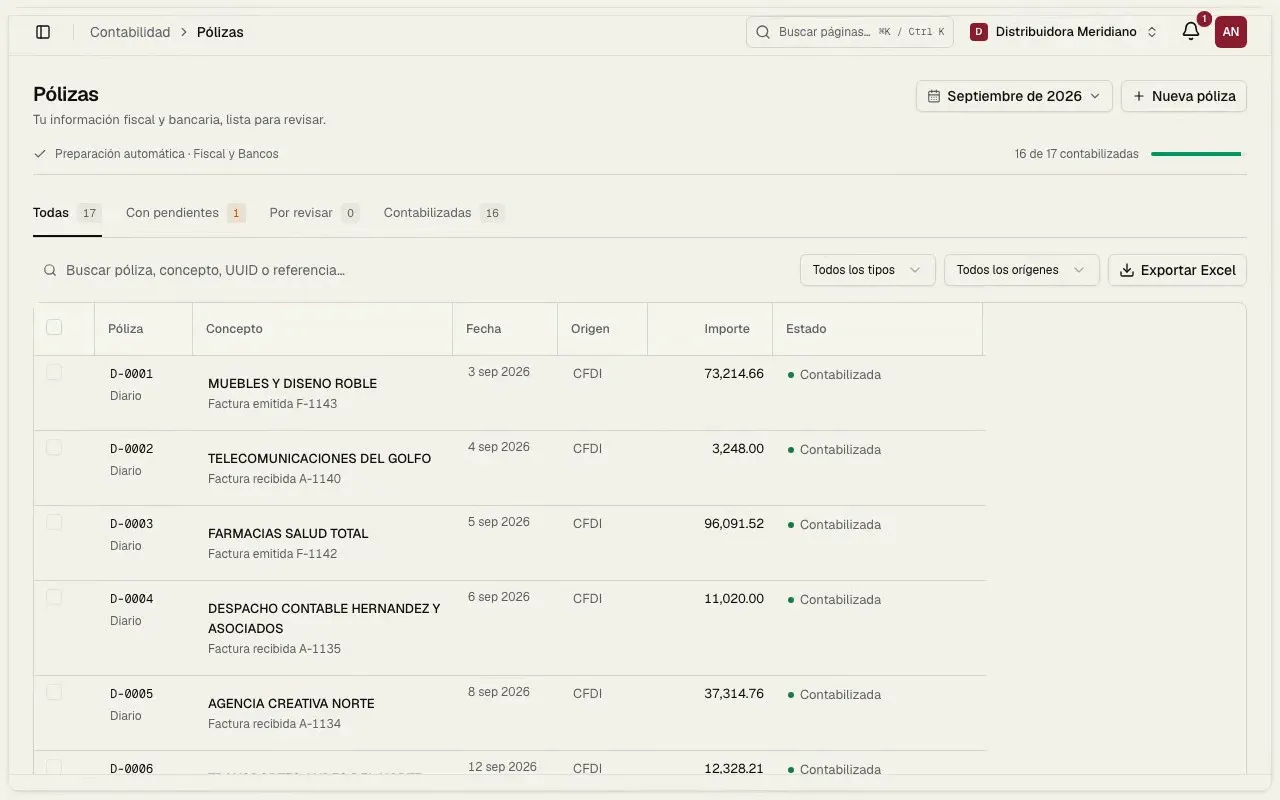
Prepares the journal entries
Every CFDI becomes an entry with its account from the SAT grouping code. You review and post.
- Grouping-code account
- You post them
- 03 · Accounting

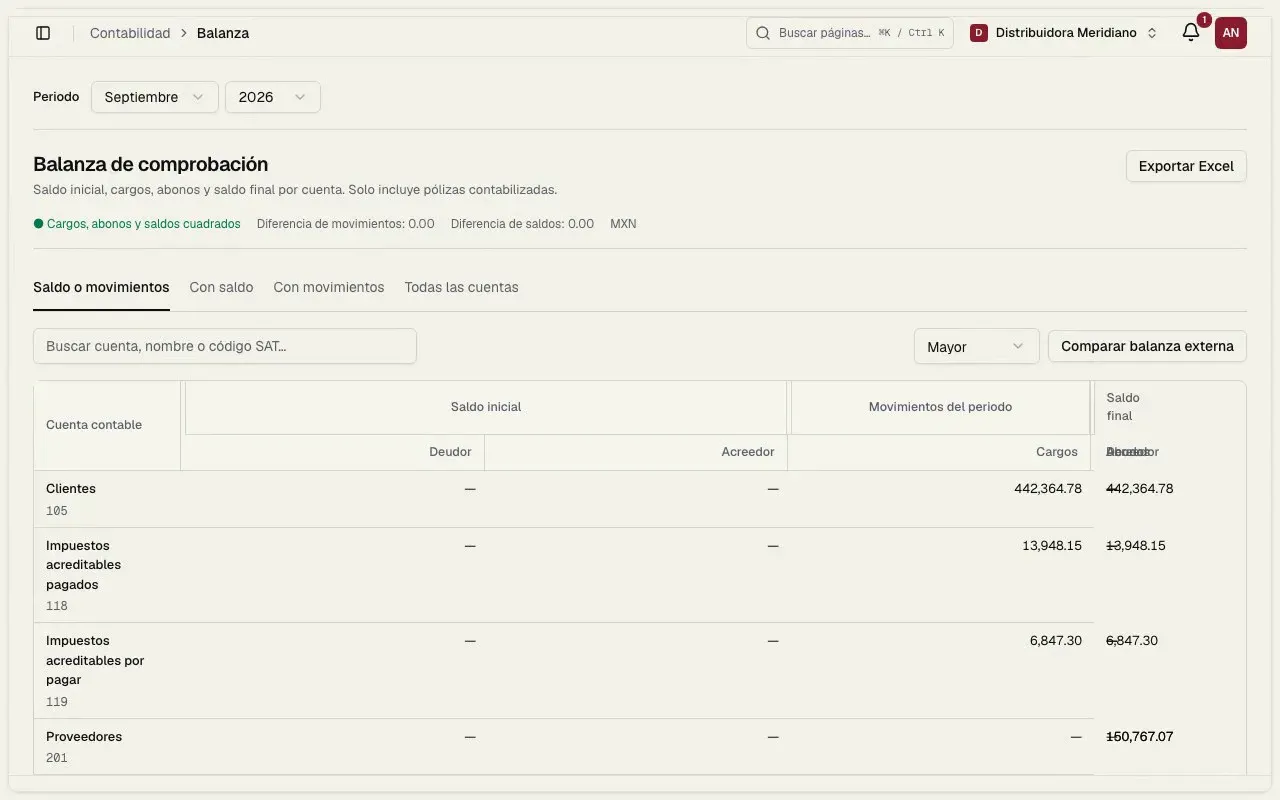
Closes the period
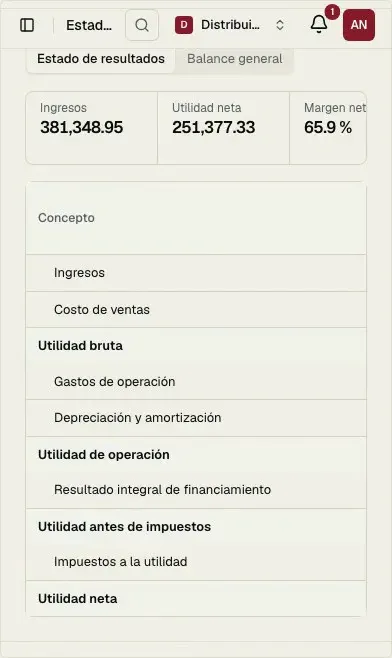
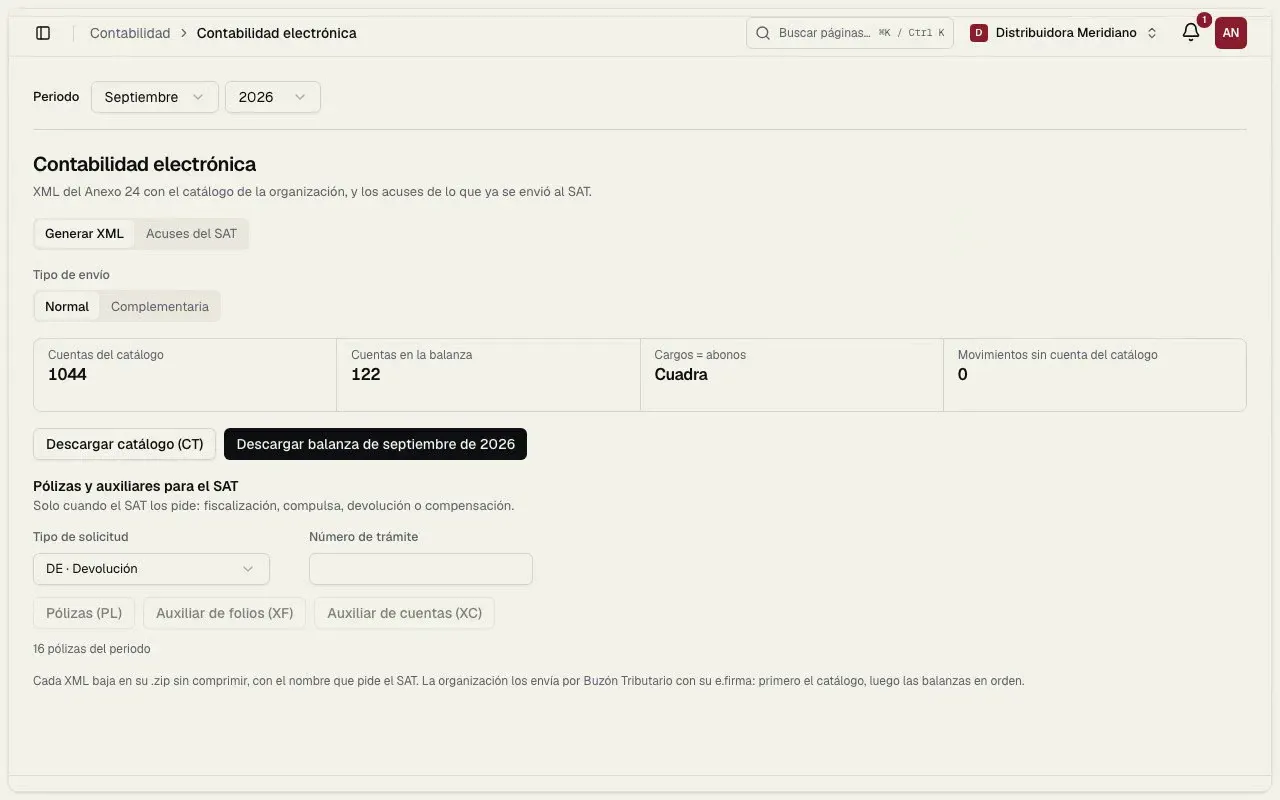
Trial balance, income statement, balance sheet and the electronic accounting XML for the SAT.
- Trial balance
- Financial statements
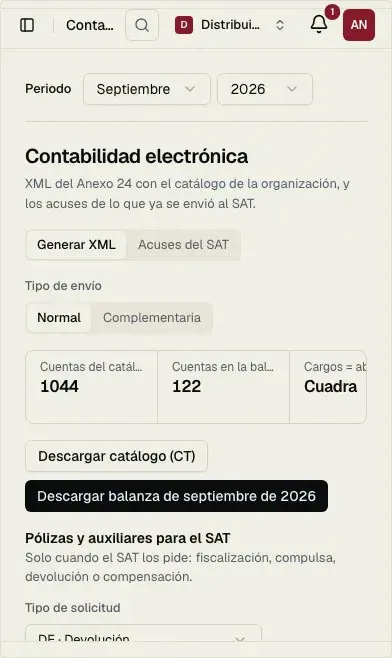
- XML for the SAT
- Annex 24
- base chart of accounts mapped to the SAT grouping code
- Every CFDI
- arrives with its entry built
- Your own
- chart works too: upload the SAT XML or an Excel file
- 1 click
- to download the catalog and trial balance XML
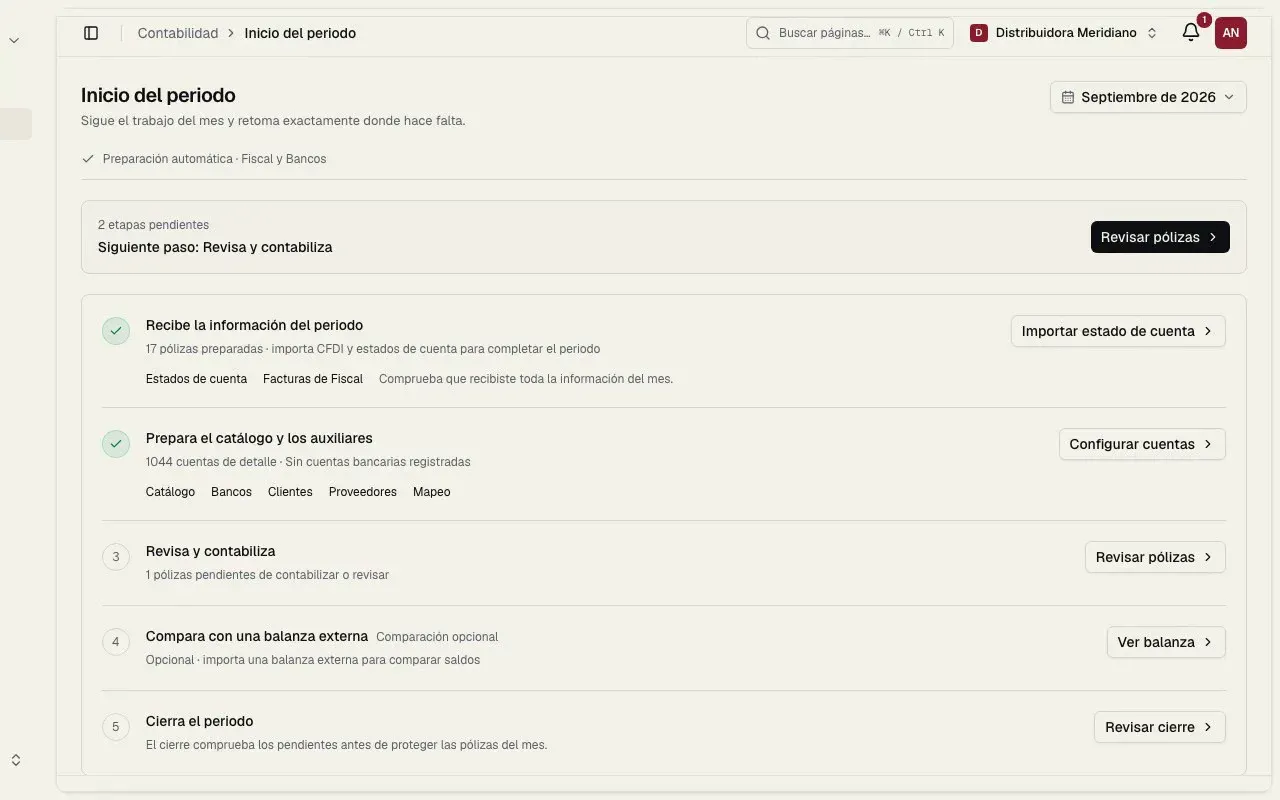
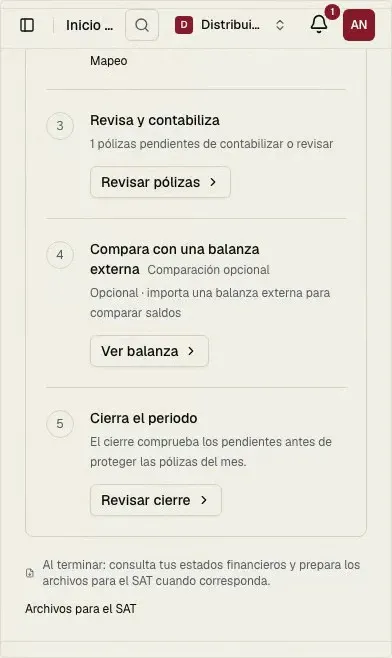
Everything to close the month. Without leaving the platform.
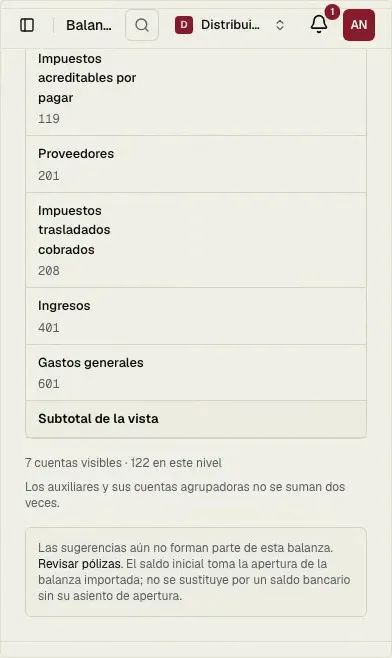
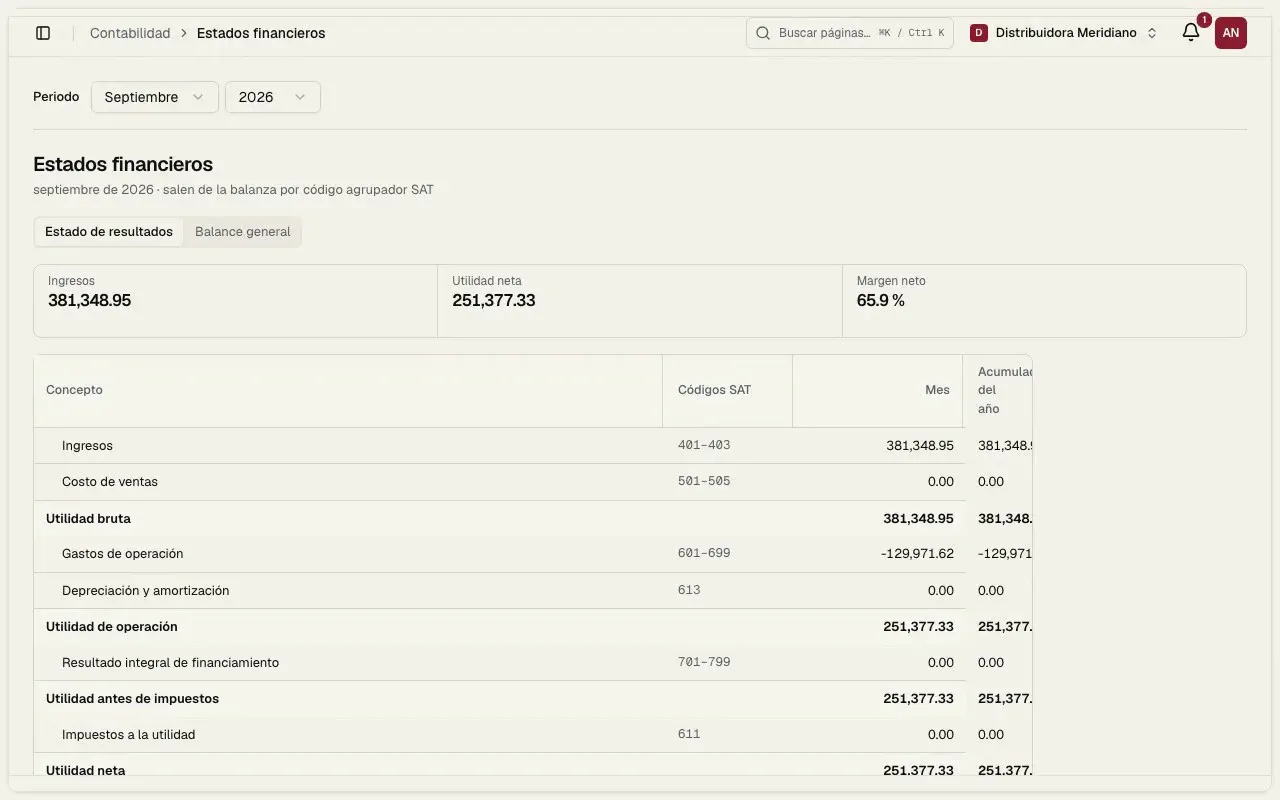
The month's close
From the last XML to the file for the SAT.
Each step builds on the one before, so nothing is entered twice.
- ✓Entries reviewedThe month's, from your CFDI and bank statements.
- ✓Trial balance balancedBy grouping-code account, to the cent.
- ✓Financial statementsIncome statement and balance sheet.
- ✓XML for the SATChart and trial balance for electronic accounting.
Frequently asked questions
Do I have to type journal entries?
No. Entries are prepared from your CFDI and bank statements with a suggested account. You review them and post them in bulk. Movements without a CFDI can still be captured by hand.
Can I use my own chart of accounts?
Yes. Upload the catalog XML (CT) you send to the SAT, or an Excel file with account, name, grouping code and nature. You can also start from the Clauhub base chart and edit it.
Does it generate electronic accounting for the SAT?
Yes. It generates the catalog and trial balance XML (Annex 24) for each period, and the journal entry and ledger files when the SAT requests them.
Do I need Fiscal?
Accounting works on the information Fiscal brings in. It turns on once your organization has its RFC or e.firma set up in Fiscal.
How much does it cost?
Today it has no cost during launch, together with Fiscal. You only pay for stamps if you issue invoices.
Rather we do it for you?
Our accounting and tax team keeps your books, files your returns and handles your invoicing on the same platform.
Clauhub Accounting
Your books, built from your invoices.
No cost during launch · No card · Support in Spanish